In Auto Mode, users don’t need manual operation—files will sync automatically.
Click the cloud icon (sidebar on PC, or icon in the bottom hamburger menu on mobile) to open the sync control view.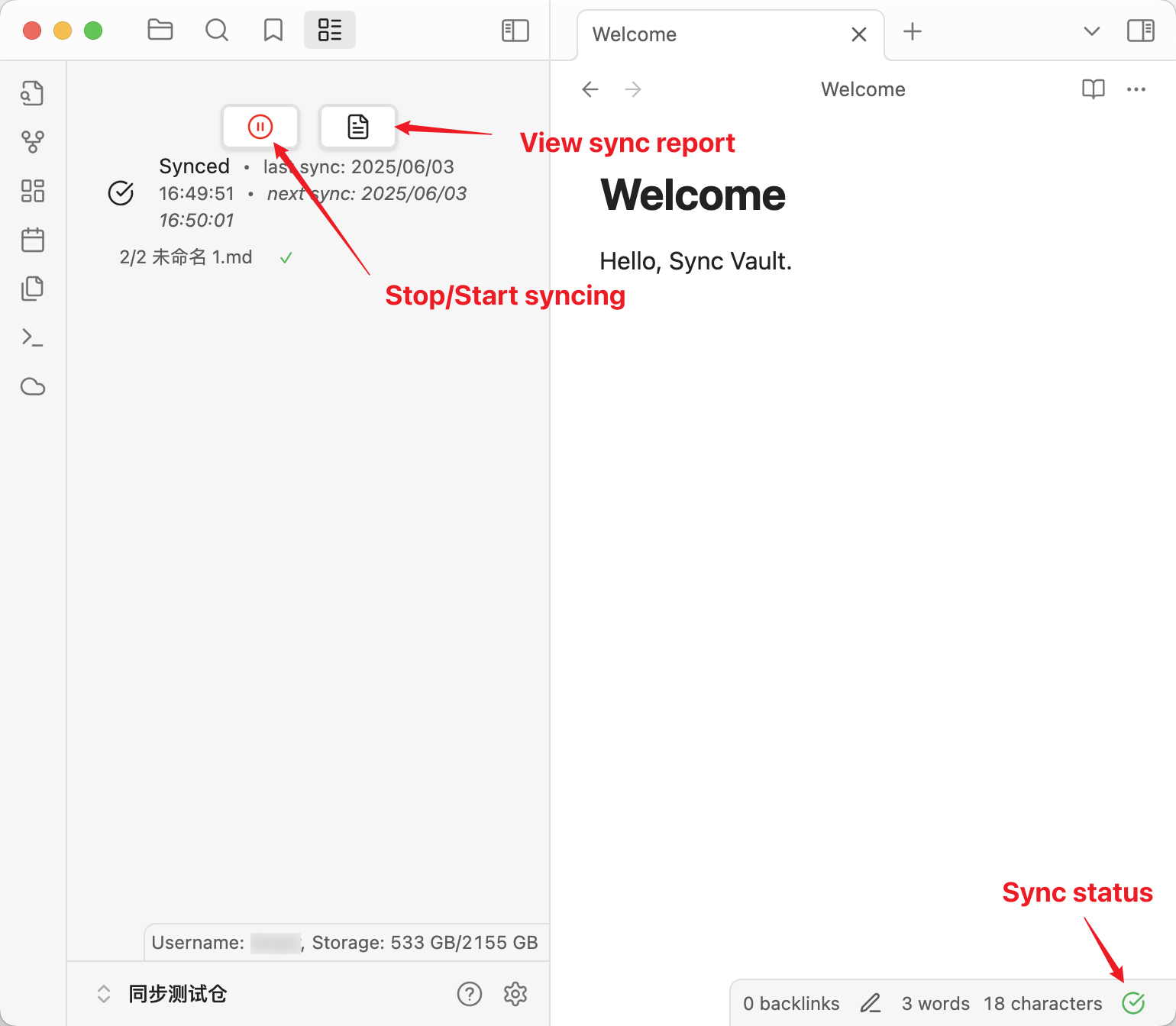
Stop and Restart Auto Sync
Click the Stop/Start syncing button to stop or restart auto sync.
View Sync Report
Click the View sync report button to check the sync report.