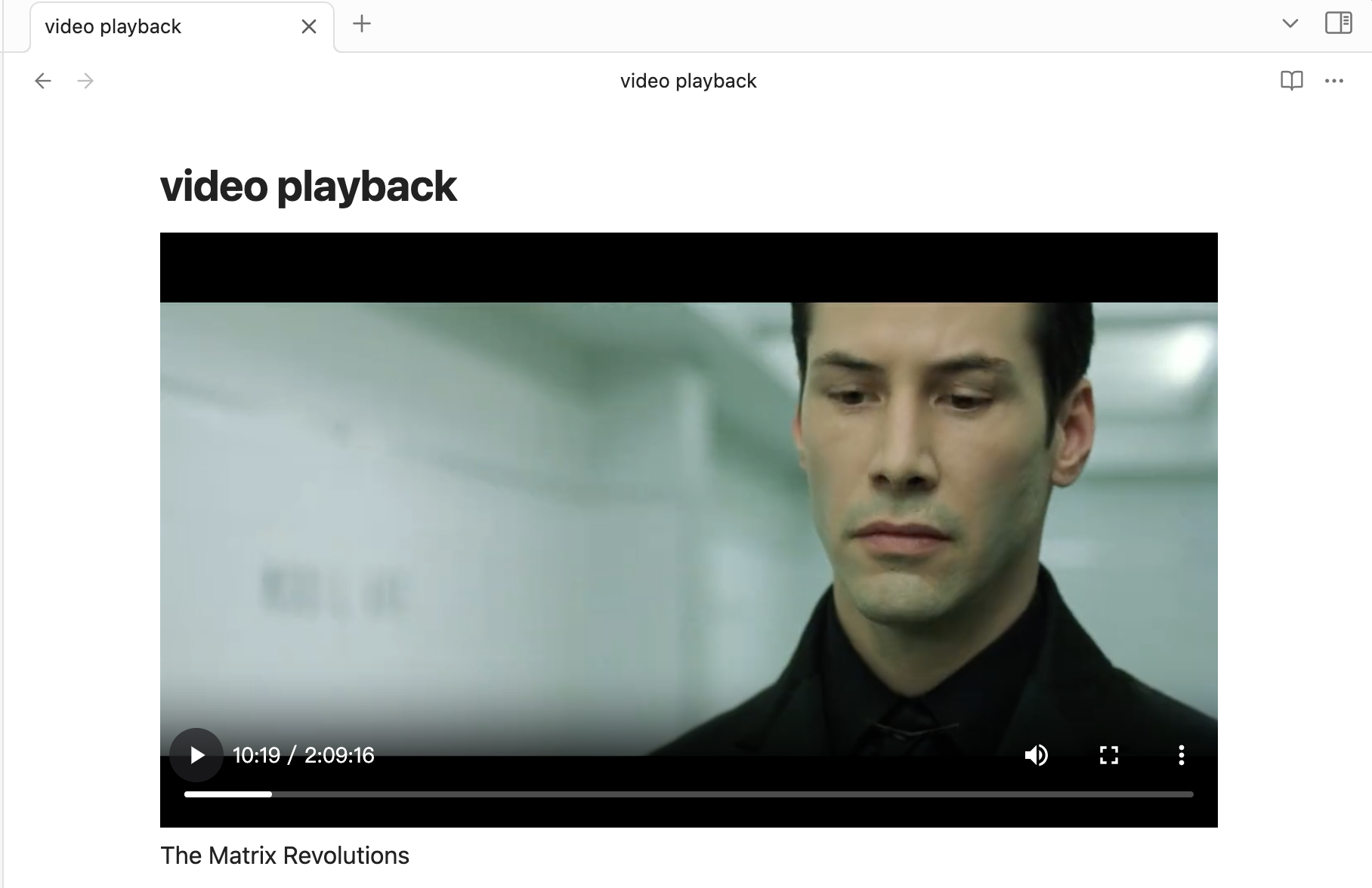
Sync Vault supports cloud disk video playback. When there are many video files in your vault, you can use File Exclusion to prevent video files from being synchronized.
Insert a Markdown code block on the page where you need to play the video, and you can play the cloud disk video directly. This saves video download time and storage space.
As of version 0.8.9, video streaming playback is supported for Baidu Netdisk and Alibaba Cloud Disk. Videos are played at the highest available stream quality by default.
Insert the following code block in Markdown: Suppose the video address is /视频/demo.mp4; the content of the code block follows the format Path | Video Name (the video name is optional; if omitted, it defaults to “Unknown Name”).
markdown
```cloudvideo
/视频/demo.mp4 | demo (optional, indicates video name) | 00:12:34 (optional, indicates current playback progress) | paused (optional, indicates current paused state)
```
The Matrix Revolutions