Authorization
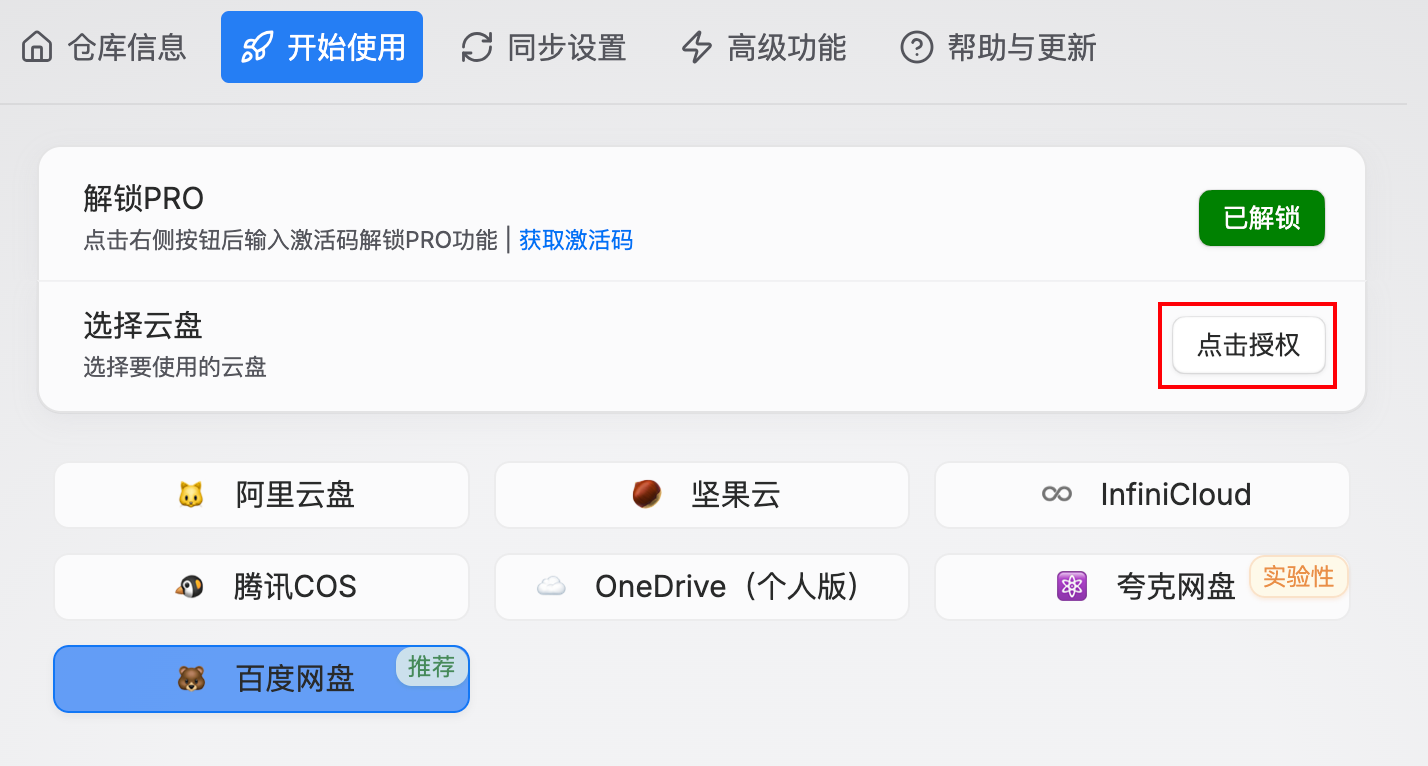
Click the above Authorization Button to start the authorization process, then log in to your Baidu Netdisk account on the opened webpage.
Scenario where no login page redirects: The plugin checks the current cloud disk authorization status. If authorization is already active and not expired, the button will change to "Cancel Authorization". A single authorization for Baidu Netdisk is valid for 30 days.
After successful authorization, you will be redirected to the Quick Q&A Page, and you can start using Baidu Netdisk now.
Cancel App Authorization
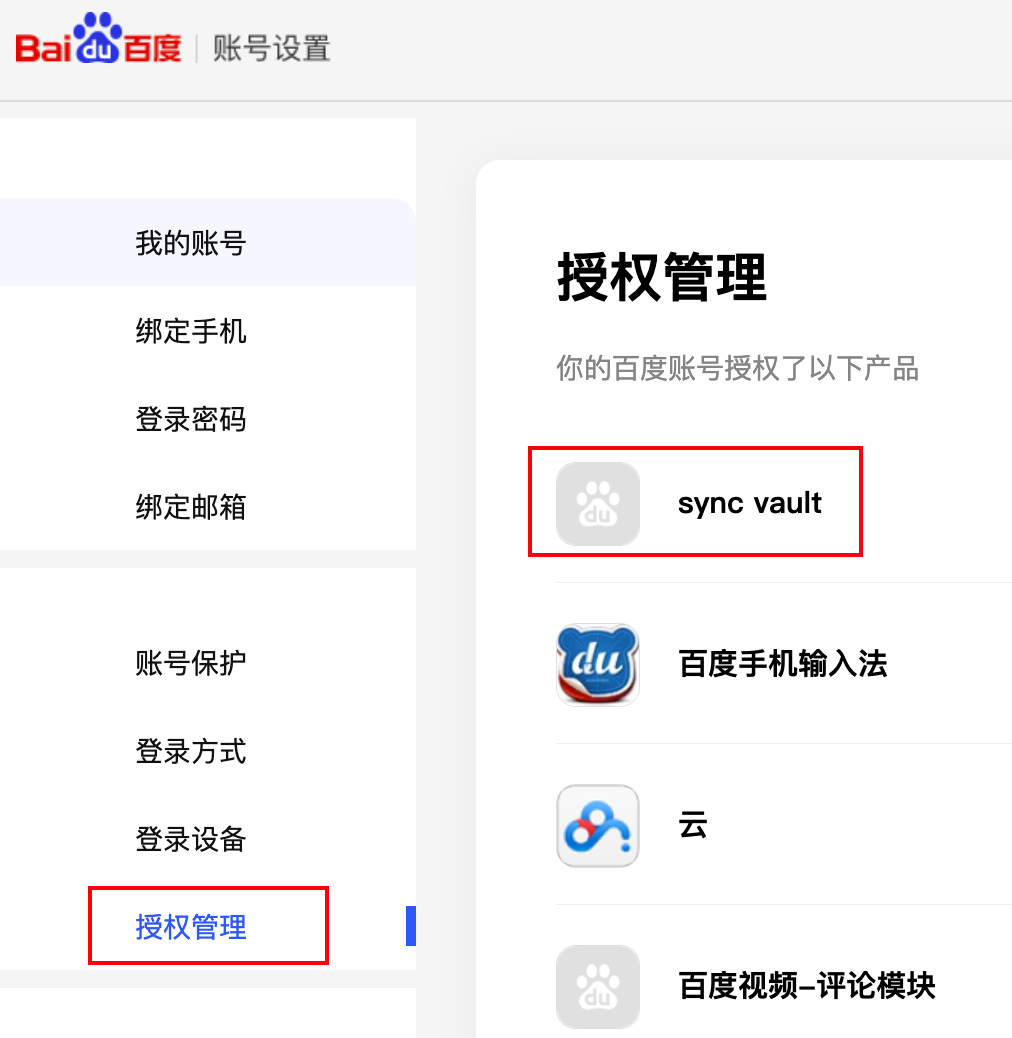
Go to the Baidu Netdisk Personal Center, find “Sync Vault” in the Authorization Management section, and click to cancel the authorization.